
School ERP & Management Software
- Home
- Business Software Solutions for Your Industry
- School ERP & Management Software
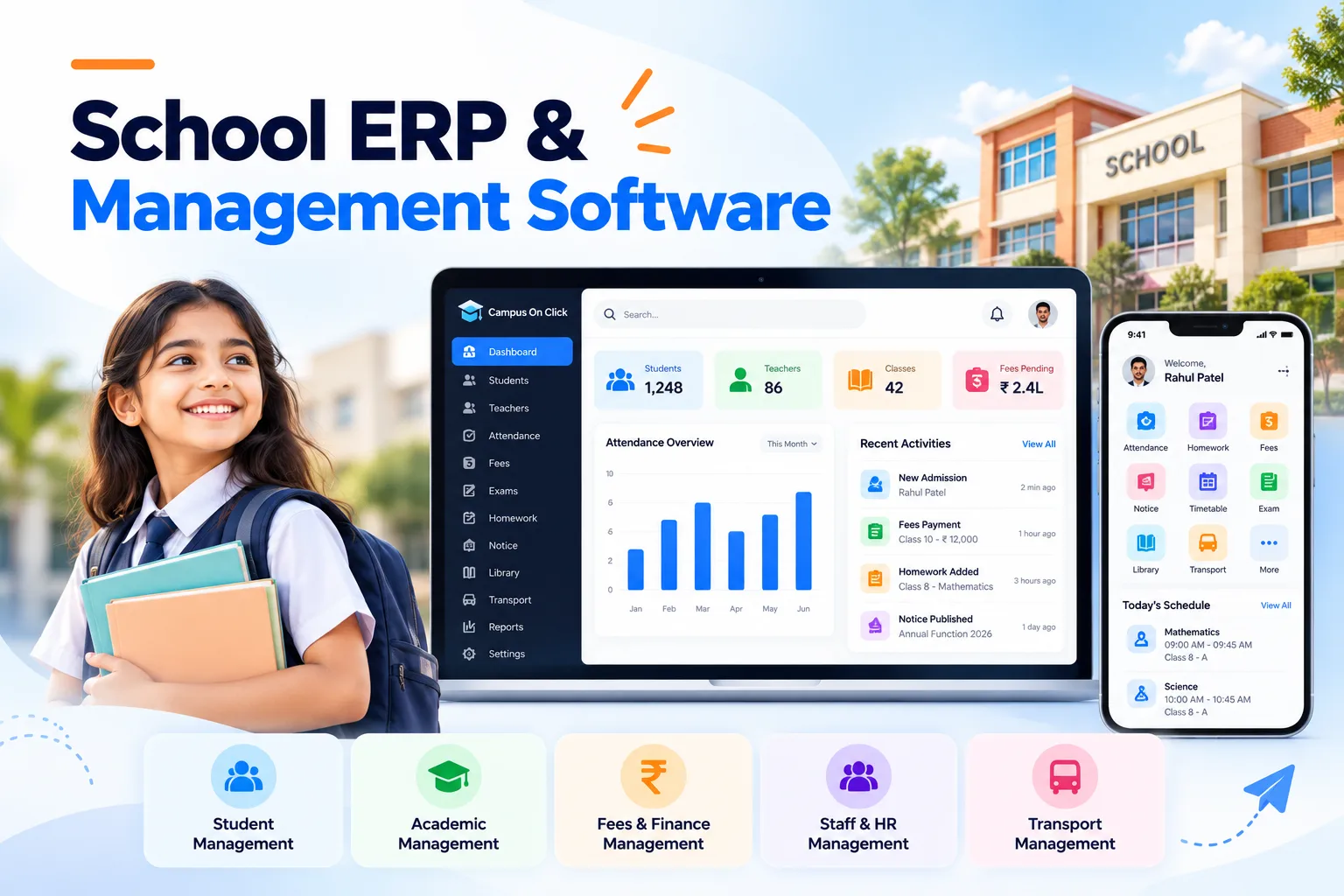
School ERP & Management Software
Give administrators, teachers and families a clearer way to stay connected. Unity Infoway helps schools assess ERP and management software around admissions, student records, attendance, fees, examinations and day-to-day communication.
Evaluate the workflows that matter to your institution before choosing a platform or package. Start with essential administration, then confirm the academic, finance and communication capabilities required for your school.
Are school teams repeating the same work in different registers?
When student records, fee accounts and class communication are disconnected, routine questions take longer to answer. Connect the information without giving every user unrestricted access.
Admission details are entered repeatedly
Move approved student information into the records needed by administration, classes and fee management without unnecessary re-entry.
Fee follow-ups lack a shared picture
Give authorized staff a consistent view of instalments, concessions, receipts and outstanding balances based on approved school rules.
Academic updates reach families late
Coordinate attendance updates, notices, assessment schedules and other agreed communications through a defined publishing workflow.
Leadership reporting takes manual consolidation
Define the school-level summaries needed for decisions, while preserving the permissions and context behind each reported figure.
Join us on your path to future success

Connect the student journey across the academic year
Plan the transitions between offices and classrooms so a student record remains useful beyond the admission form. A typical implementation can follow these stages:
Enquiry and admission
Capture enquiries, applications, required documents and admission decisions.
Student setup
Assign academic year, class, section, guardian relationships and applicable fee structure.
Daily administration
Record attendance and coordinate notices, homework or other agreed class activities.
Fees and receipts
Apply approved schedules, record payments and manage authorized adjustments.
Assessment and reporting
Maintain examination structures, approved marks and report outputs.
Year transition
Review promotion, transfers, record retention and the next academic-year setup.
Choose the modules your institution needs to run well
Review these capabilities against the selected product or custom scope. Do not assume that every module, mobile app or third-party connection is included in every package.
Admission management
Track enquiries, applications, required documents and admission follow-ups.
Student information
Maintain academic assignments, guardian relationships and approved student records.
Attendance
Record attendance, review exceptions and define which updates are shared with guardians.
Fees and receipts
Configure agreed fee structures, instalments, concessions, collections and receipt records.
Examinations
Set assessment structures, enter marks and generate approved result formats.
Timetable and calendars
Coordinate classes, events, holidays and relevant academic dates.
Plan for your institution, not an assumed standard school
Admissions, fee policies and academic structures vary. The fit review should involve the office, finance team and teachers who will use the system every day.
Single-campus schools
Prioritize reliable records and the most time-consuming administrative tasks.
School groups
Assess shared masters, campus separation and consolidated management views.
Schools changing systems
Plan trial imports, opening balances and an academic-year transition strategy.
Institutions with special workflows
Identify where configuration fits and where custom development is justified.
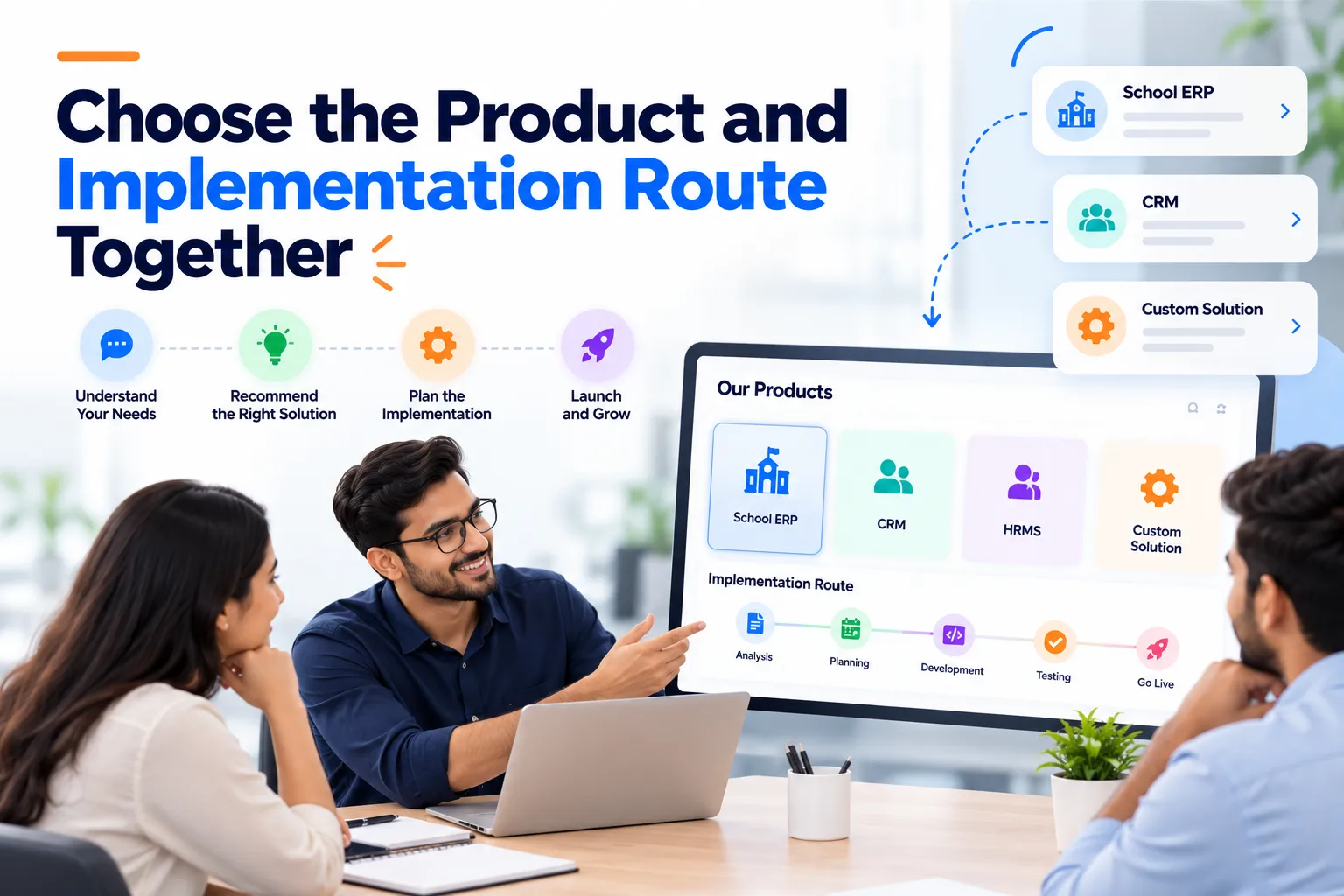
Choose the product and implementation route together
You can evaluate Campus On Click, which Unity Infoway lists in its product portfolio, and discuss how its current offering fits your institution. Product features and commercial terms should be confirmed in a demonstration. Where a requirement needs a separate interface or workflow, assess custom web development rather than assume it is included in the product.
Payment gateways, messaging, biometric devices, transport tracking and live-class connections need compatibility review. Student information, guardian access, retention and export permissions should be agreed before migration or launch.
Why work with Unity Infoway?
Bring school stakeholders into the requirement review so the technology follows real administrative responsibilities. Review Unity Infoway’s development process when discussing scope, validation and rollout expectations.
Explore related solutions
Video conferencing software – For teaching or training workflows that require a separately assessed live-session experience.
WhatsApp chatbot and automation – For eligible parent enquiries and consent-based communication use cases.

Frequently Asked Questions
What is the difference between school ERP and an LMS?
School ERP focuses on administration such as student records, attendance and fees. A learning management system focuses on teaching content, assignments and learning activity. Some implementations connect both, but an ERP purchase does not automatically include every LMS capability.
Can parents and teachers access the system on mobile?
Mobile-responsive access or dedicated applications can be assessed against the selected product and scope. Confirm which users can see notices, attendance or fees, and how guardian access is verified. Do not assume native apps or every mobile feature are included.
Can it support our fee structure and instalment rules?
Share fee categories, instalments, concessions, late-charge rules and receipt examples during discovery. The team can assess configuration and any custom changes. Financial policies remain the school's responsibility, and the system should be validated against approved sample cases.
Can one ERP manage multiple campuses?
Multi-campus operation can be assessed, including shared data, campus-specific permissions and consolidated reports. Confirm which records must remain separate and who can access cross-campus information. Capability and licensing depend on the chosen product or architecture.
Can existing student and fee records be migrated?
Migration requires sample exports, field mapping, duplicate checks and approval of opening balances. Decide whether to migrate historical transactions or only agreed active records. Run a trial import and reconcile results before switching production processes.
Is this the same as Campus On Click?
This page describes Unity Infoway's school software solution and implementation discussion. Campus On Click is a named product option to evaluate. The final proposal should identify the product, configuration, custom work, hosting and support that are actually included
How should student information and permissions be handled?
Define access by responsibility, verify guardian relationships and limit exports to authorized users. Discuss retention, backups and the handling of sensitive records before launch. Technical controls and institutional policies must work together; software alone is not a blanket compliance guarantee.
How much does a school ERP implementation cost?
Cost depends on the product or custom approach, campuses, users, modules, migration and integrations. Share your institution size, required workflows and target academic milestone to receive a scoped proposal. Messaging, payment-provider and infrastructure charges should be identified separately.
Address
412, 4th Floor, Radhe Infinity, Rakshashakti Circle, Kudasan, Gandhinagar – 382421.