
Kitchen Equipment ERP & CRM Software
- Home
- Business Software Solutions for Your Industry
- Kitchen Equipment ERP & CRM Software
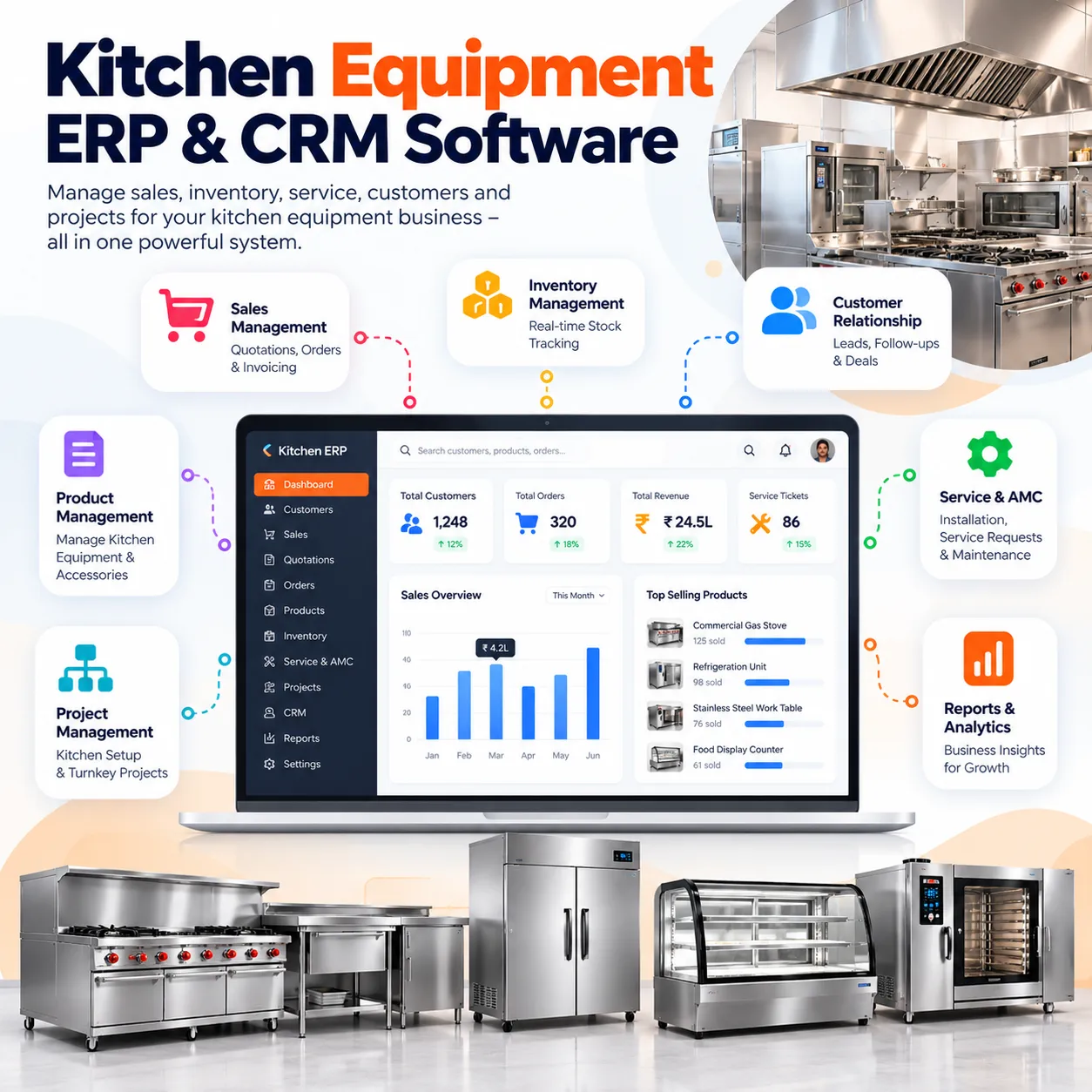
Kitchen Equipment ERP & CRM Software
Bring the commercial, workshop and site teams around the same job. Unity Infoway helps commercial kitchen equipment businesses plan ERP and CRM workflows from the first enquiry to procurement, fabrication, installation and after-sales service.
Support the mix of custom-made equipment, purchased products and site work that makes each kitchen project different. Begin with sales and project coordination, then add operational depth where your business needs it.
Does a confirmed order still trigger another round of calls and spreadsheets?
A kitchen project can change between the sales discussion, approved drawing and installation visit. Give the team one agreed reference for each stage.
Quotation versions get mixed up
Keep equipment lists, quantities, specifications and approved commercial revisions attached to the same enquiry or project.
Workshop and purchasing lose context
Identify what must be fabricated, what must be bought and which items are waiting for approval or material.
Dispatch is planned before the site is ready
Coordinate packing, transport, site readiness and installation tasks instead of treating dispatch as the end of the project.
Service history disappears after handover
Retain supplied-equipment references, commissioning records and warranty details so the service team can understand the installed base.
Join us on your path to future success

Connect every stage from kitchen enquiry to service
Use a project or order reference that stays visible as responsibility moves between sales, engineering, purchasing, production and site teams.
Capture requirements
Record the customer, kitchen type, site constraints and equipment needs.
Prepare and approve
Build quotations, manage revisions and attach approved specifications or drawings.
Buy or fabricate
Separate bought-out equipment from workshop jobs and plan the required materials.
Check and dispatch
Record agreed quality checks, packing details and delivery readiness.
Install and hand over
Assign installation tasks, record commissioning and resolve pending site issues.
Support the installed base
Track warranty references, complaints, service visits and contract renewals.
One system for the commercial and operational picture
Configure the modules required for your business model. Manufacturing, installation and service capabilities should be included only where confirmed in the project scope.
Sales CRM
Track enquiries, site visits, customer contacts and the next commercial action.
Quotations and revisions
Prepare equipment-wise offers with specifications, quantities, exclusions and an approved version.
Project coordination
Maintain site records, milestones, documents, responsibilities and outstanding approvals.
Equipment and materials
Organize products, components, suppliers, units and approved bill-of-material structures.
Purchase management
Coordinate supplier enquiries, purchase orders, expected receipts and procurement follow-ups.
Fabrication planning
Track job cards, workshop stages, assigned work and required material availability.
Designed around equipment supply and project delivery
A manufacturer, dealer and turnkey project contractor do not need identical software. Shape the first release around your revenue model and the teams that must coordinate.
Equipment manufacturers
Connect custom specifications, materials and workshop progress with confirmed orders.
Dealers and distributors
Coordinate purchased equipment, stock availability, supplier follow-ups and deliveries.
Turnkey kitchen contractors
Link equipment supply with site milestones, installation tasks and handover records.
Service-led businesses
Maintain installed-equipment references, scheduled visits and customer service history.
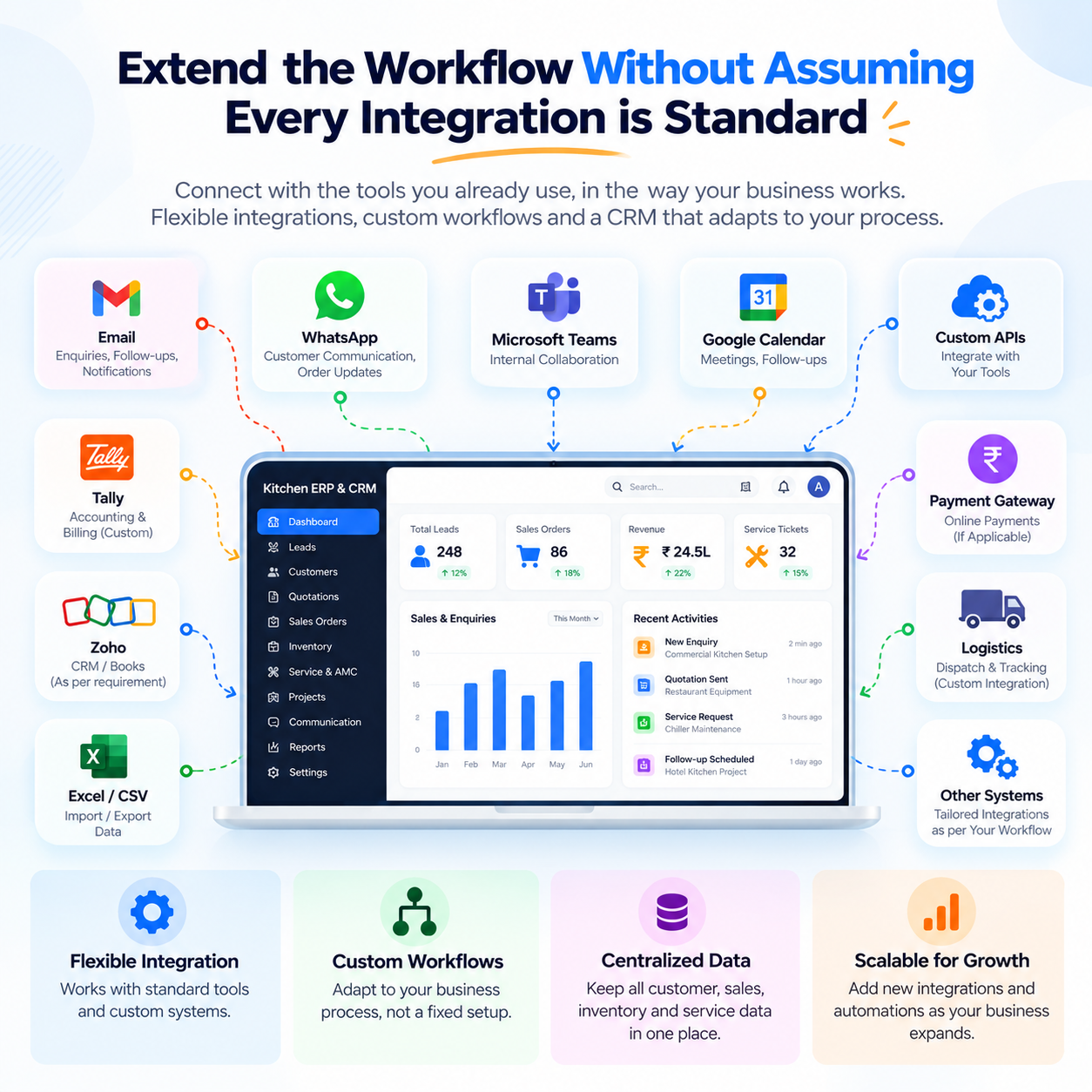
Extend the workflow without assuming every integration is standard
Review accounting exports, customer portals, supplier records and approved notification channels against your actual systems. Custom web development can support project-specific interfaces, while IT support and maintenance can be discussed for the operating environment. Decide which application owns pricing, stock and financial records before connecting them.
CAD authoring, automated nesting, machine connectivity, advanced production scheduling and full statutory accounting are separate requirements. A document attachment workflow is not the same as a CAD integration or a manufacturing control system.
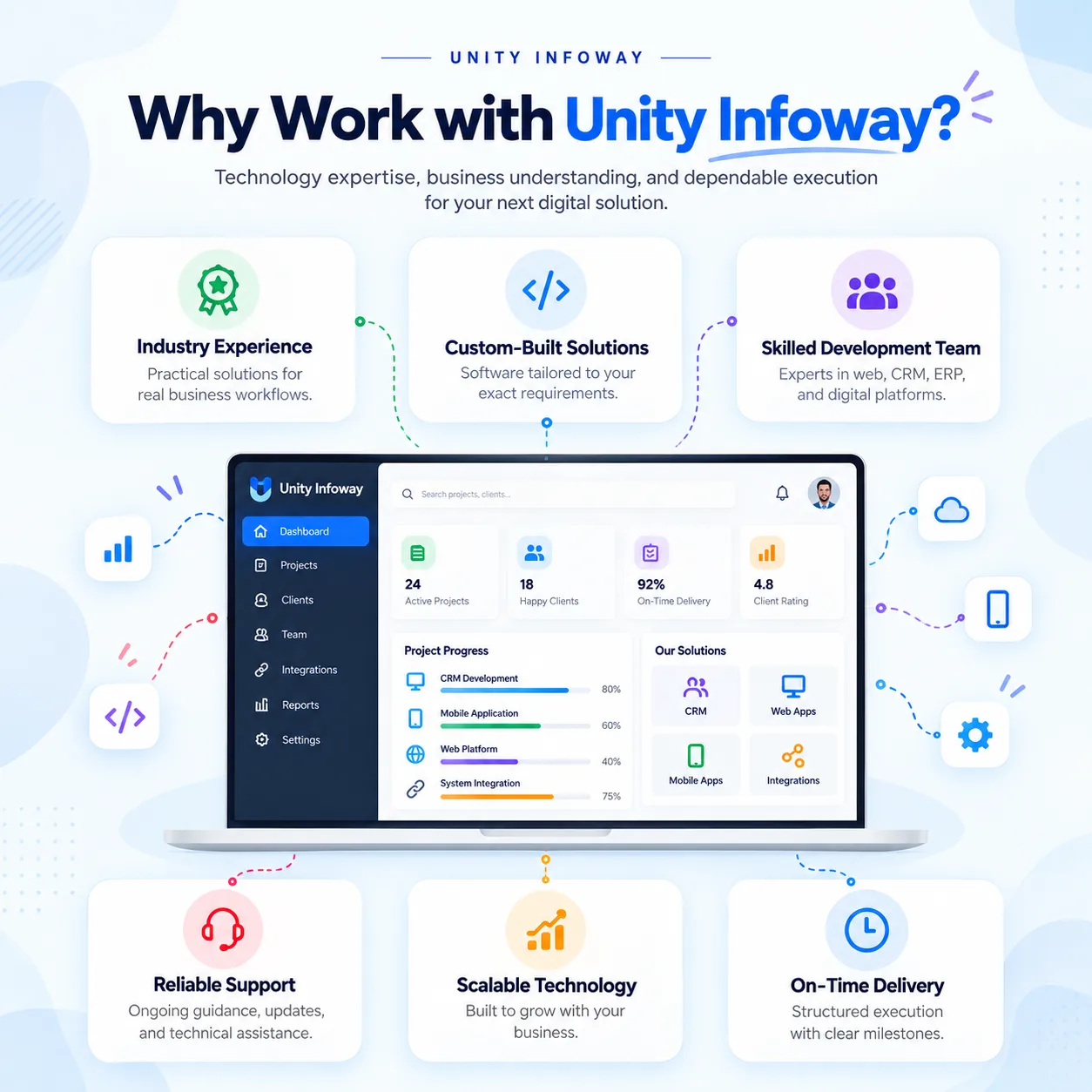
Why work with Unity Infoway?
Start with the points where an approved quotation becomes a real delivery commitment. Unity Infoway can help translate those handovers into an agreed software scope, supported by our development process.
Explore related solutions
Packaging ERP and CRM – Explore another manufacturing workflow with production, stock and dispatch
coordination.
Building maintenance software – Relevant when ongoing asset servicing becomes a major part of the
operation.
Frequently Asked Questions
Do we need CRM only or a complete ERP?
CRM is suitable when the main need is enquiries, quotations and follow-ups. ERP becomes relevant when purchasing, fabrication, inventory, installation or service must connect to the order. You can phase the implementation rather than activate every operational module immediately.
Can it manage both manufactured and bought-out equipment?
A combined workflow can be designed with clear make-or-buy classification. Manufactured items may require material and job records; purchased equipment needs supplier and receipt tracking. The configuration should also account for partial deliveries and mixed orders.
How are drawing and quotation revisions handled?
Revision control can be scoped around version numbers, approval status, dates and document attachments. Teams should know which version is approved for fabrication. Editing CAD files, extracting measurements or synchronizing CAD software requires additional integration assessment.
Can we track installation, warranty and annual maintenance contracts?
Installation checklists, commissioning records, warranty references and service-contract reminders can be included. Confirm whether equipment identification is serial-based, project-based or both, and define who approves completion, service charges and renewal terms
Does it provide job costing and accounting?
Job costing can use agreed material, purchase, labour and other cost inputs. Its accuracy depends on the records maintained. Accounting exports or integrations must be scoped separately; operational costing should not be described as a complete statutory accounting system.
Can we start with an MVP and expand later?
Yes. An initial phase can prioritize enquiries, quotations, customers and project tracking. Later phases can add procurement, inventory, workshop operations and service. The data structure and boundaries should be planned early so expansion does not require unnecessary rework.
Can site teams use it on mobile devices?
A mobile-responsive interface can be included for selected site tasks. Native apps, offline capture and background synchronization are additional requirements. Hosting, user permissions, attachment limits and access from client sites should be confirmed during discovery.
What determines the project cost and implementation timeline?
The main drivers are module depth, quotation rules, production complexity, migration, integrations and reporting. Share sample equipment lists and one complete project journey so Unity Infoway can prepare a phase-wise proposal with clear inclusions and exclusions.
Address
412, 4th Floor, Radhe Infinity, Rakshashakti Circle, Kudasan, Gandhinagar – 382421.