
Restaurant Management Software
- Home
- Business Software Solutions for Your Industry
- Restaurant Management Software
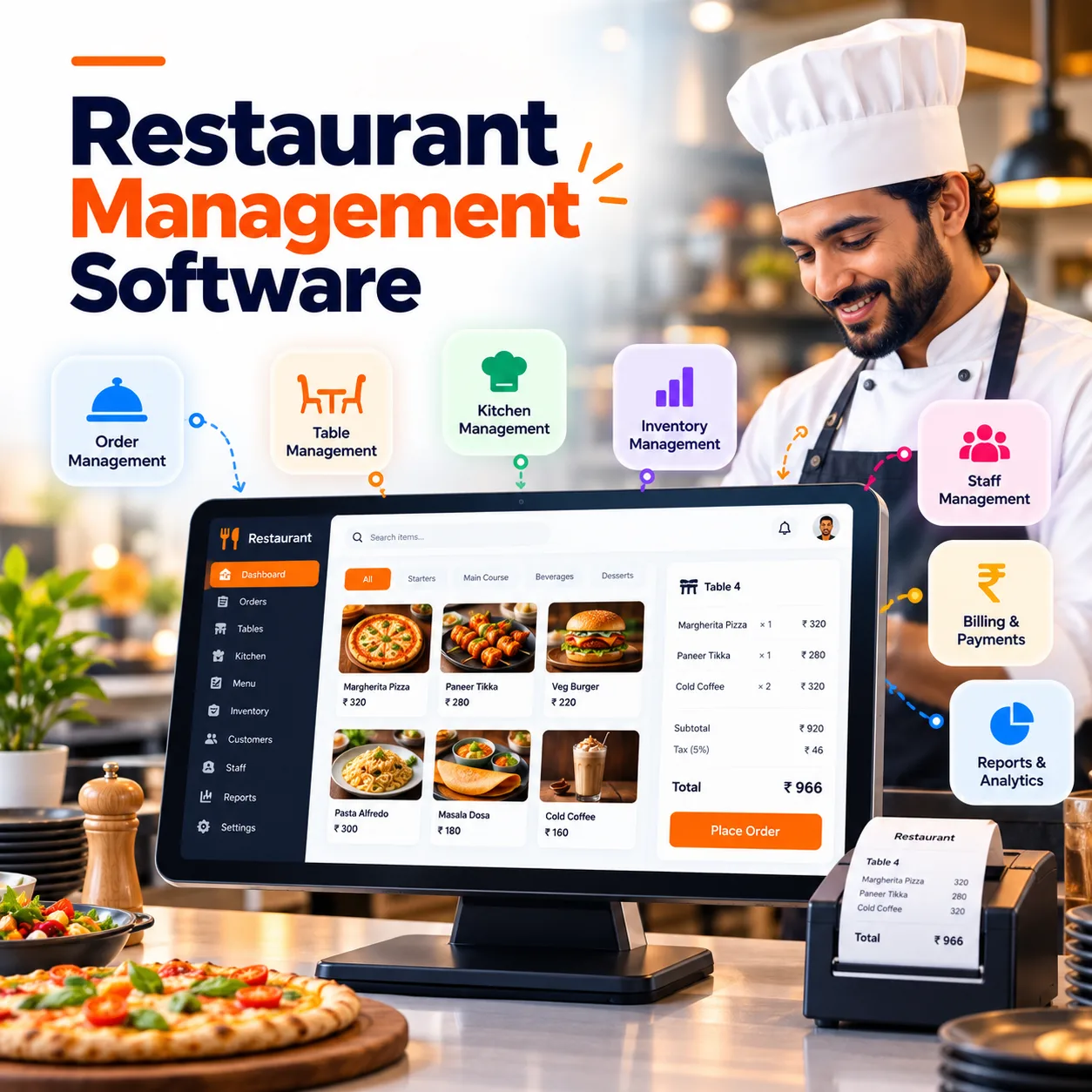
Restaurant Management Software
Keep the order, kitchen and back office working from the same information. Unity Infoway helps restaurants define management software around order capture, kitchen coordination, billing, inventory and operational reporting.
Whether you run dine-in service, takeaway, a cloud kitchen or multiple outlets, start with the service model and the exceptions your team handles every day. Add integrations and specialist features only after confirming operational fit.
Are orders moving faster than the information behind them?
A busy service exposes small gaps between tables, counters, kitchen stations and accounts. Define clear order states and responsibilities rather than relying on verbal updates.
Order changes do not reach the kitchen
Keep modifiers, preparation notes and authorized cancellations visible to the team responsible for the next action.
Billing needs manual reconciliation
Connect the order with approved discounts, payment status and refunds so the closing process has a traceable record.
Stock usage is difficult to explain
Relate agreed recipes and stock movements to purchasing, wastage and inventory checks instead of assuming sales equal consumption.
Outlet reports are inconsistent
Use shared definitions for orders, sales, voids and adjustments while keeping outlet-level access and operational differences clear.
Join us on your path to future success

Connect the order journey from capture to close
Design for service speed, but include the exceptions: unavailable items, changed orders, payment failures and authorized corrections.
Capture the order
Record table, counter or delivery orders with items, modifiers and relevant notes.
Route preparation
Send the agreed order information to kitchen stations or preparation queues.
Track readiness
Update preparation and fulfilment states so service staff know the next action.
Bill and collect
Apply approved pricing rules and record payment or outstanding status.
Review stock effects
Post agreed consumption, wastage or adjustment records using validated rules.
Close and reconcile
Review transactions, exceptions and outlet summaries with authorized supervisors.
A connected foundation for restaurant operations
These modules are scope options, not a claim that every POS feature, device or delivery connection is pre-integrated. Confirm the initial operating setup before development.
Menu management
Maintain items, categories, modifiers, availability and approved price changes.
Order capture
Assess dine-in, takeaway and delivery order flows for the selected service model.
Kitchen coordination
Use kitchen tickets or displays with station routing and preparation statuses where scoped.
Tables and service
Coordinate tables, service assignments and order changes for dine-in operations.
Billing and payments
Track bills, split-payment requirements, authorized discounts and refund records.
Recipes and costing
Define ingredient quantities, yields and cost inputs for selected menu items.
Match the software to your service model
A restaurant counter, dining room and delivery kitchen have different bottlenecks. Choose the core workflow first, then decide which customer and back-office features are necessary.
Dine-in restaurants
Connect tables, service teams, kitchen preparation and billing.
Cafes and quick service
Prioritize simple order capture, item modifiers and counter operations.
Cloud kitchens
Coordinate preparation, packaging and dispatch for approved order channels.
Multi-outlet brands
Assess shared menus, outlet permissions and consolidated reporting.
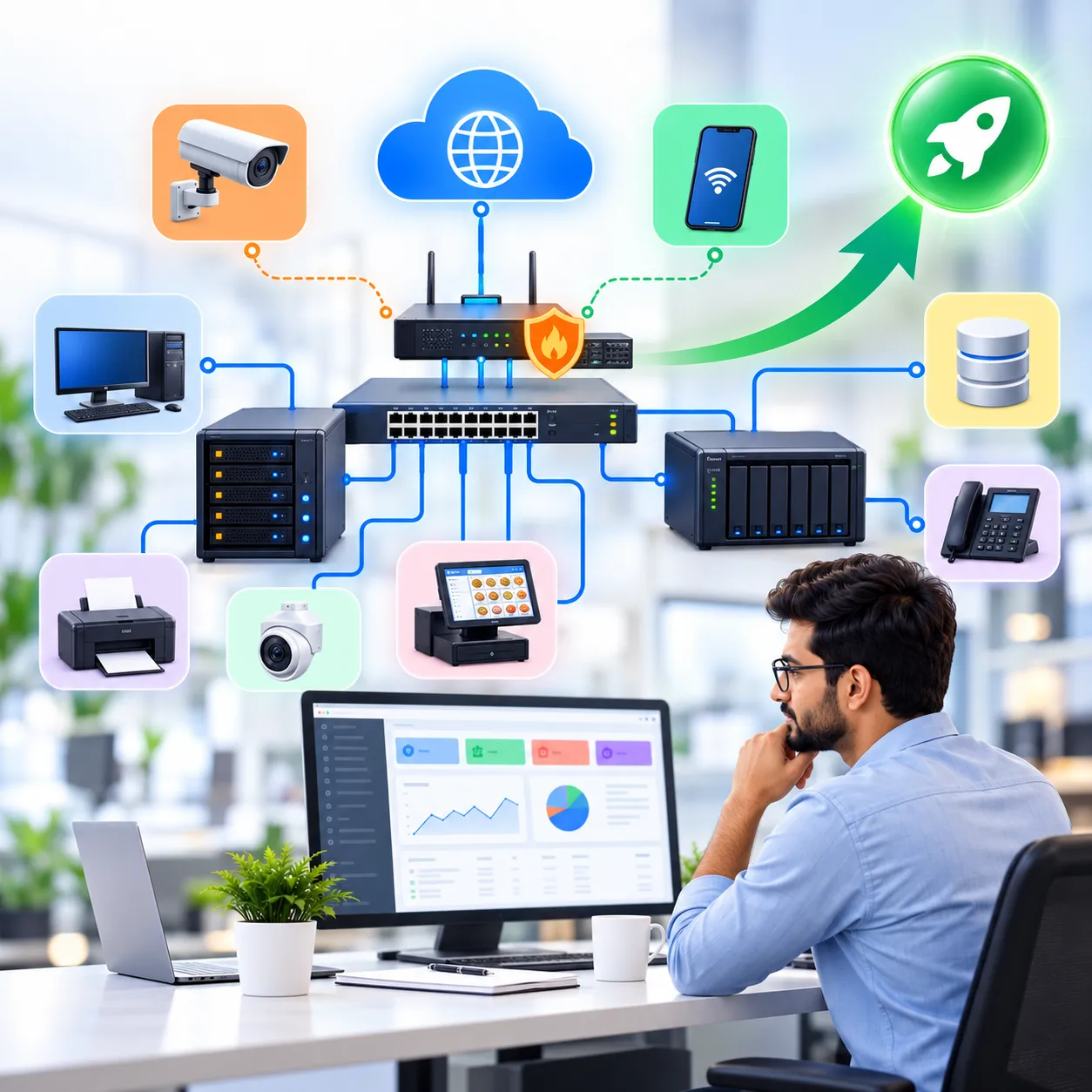
Plan hardware and external connections before go-live
Printers, payment terminals, kitchen displays and third-party order platforms need compatibility checks. For a separate online ordering experience, assess e-commerce development against your menu and fulfilment rules. Discuss IT support and maintenance for the agreed operating environment, including how staff will report incidents during service.
Offline operation, aggregator connections and automatic stock deduction are not assumed defaults. Tax settings and receipt formats must be configured against your approved business requirements. A restaurant workflow is not a full manufacturing ERP.
Why work with Unity Infoway?
The most useful demonstration is a realistic order, including a change or exception. Use Unity Infoway’s quality assurance process as a starting point for defining functional checks and operational acceptance criteria.
Explore related solutions
Grocery ordering and delivery software – Compare retail fulfilment workflows for a separate grocery operation.
Kitchen equipment ERP and CRM – For equipment manufacturers and suppliers, rather than restaurant service teams.

Frequently Asked Questions
What is the difference between school ERP and an LMS?
POS software primarily captures orders and payments. Restaurant management software can also connect kitchen operations, purchasing, inventory, recipes and reporting. An implementation may include a POS or integrate with one, depending on the operating model and approved scope.
Can one solution handle dine-in, takeaway and delivery?
A combined workflow can be scoped with separate order types, preparation steps and fulfilment rules. Confirm how menus, prices, packaging and delivery charges differ. External delivery platforms require their own access and compatibility review.
Will it work offline and with our existing printers?
Offline operation and device compatibility must be evaluated explicitly. Share printer models, operating systems, payment terminals and network conditions. Offline synchronization, conflict handling and recovery are development requirements, not automatic features of a web application.
Can it calculate ingredient usage and food cost?
Recipe-based usage and costing can be included when quantities, yields and stock rules are defined. Real consumption may differ because of wastage, substitutions or incorrect entries. Inventory checks and adjustment controls remain important for meaningful reports.
Can it connect to food delivery aggregators?
Connections depend on the provider's authorized integration access, available APIs and your account eligibility. Confirm order updates, menu synchronization, cancellations and failure handling for each platform. Do not assume a named aggregator is supported without a tested integration.
Can management see all outlets while staff see only their outlet?
That access model can be designed through outlet-specific roles and consolidated management reporting. Define shared menus, stock transfers and financial responsibilities before implementation. The precise visibility and approval rights should be tested with representative users.
How are payment failures, refunds and corrections handled?
The workflow should record transaction references and separate payment status from order status. Refund and correction actions need permissions and an audit trail. Gateway fees, settlement timing and provider behaviour remain external dependencies and should be confirmed separately.
What affects cost and launch timing?
The scope depends on outlets, devices, order channels, menu complexity, recipes, integrations and migration. Share your current service flow and hardware list for a practical proposal. Plan staff training and a controlled launch rather than assuming immediate deployment.
Address
412, 4th Floor, Radhe Infinity, Rakshashakti Circle, Kudasan, Gandhinagar – 382421.