
Video Conferencing Software for Businesses
- Home
- Business Software Solutions for Your Industry
- Video Conferencing Software for Businesses
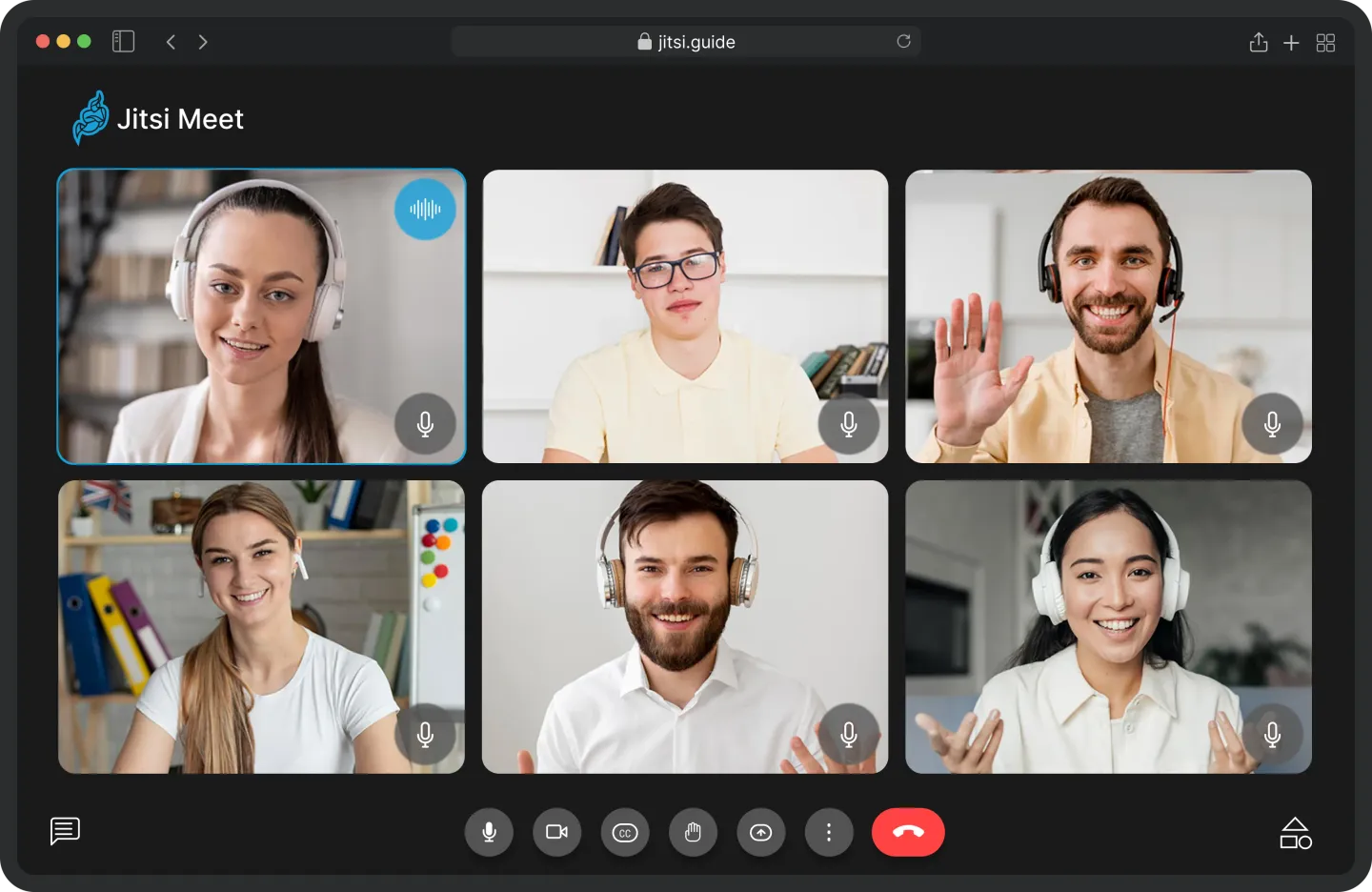
Video Conferencing Software for Businesses
Build live conversations into the way your business works. Unity Infoway helps organizations plan video conferencing software for meetings, training, customer interactions and moderated sessions, with the surrounding workflow treated as part of the solution.
Define who joins, how sessions are controlled and what happens before and after the call. Assess an integrated service, a custom WebRTC application or a product-led route against your use case and operating requirements.
Does the meeting tool fit the workflow around the meeting?
A video room alone may not solve participant access, session management or follow-up. Start with the complete experience your users need.
Users switch between disconnected tools
Assess a session flow that begins in your portal, appointment system or learning workflow instead of requiring repeated manual handovers.
Hosts lack the right controls
Define who can admit participants, present, mute, share content or close the session before choosing the room interface.
Recordings create unclear responsibilities
Decide whether recording is needed, who authorizes it, where files are stored and who can access or delete them.
Capacity promises are not tested
Set realistic room sizes, simultaneous sessions, devices and network conditions, then validate the selected architecture against them.
Join us on your path to future success

Connect session planning, participation and follow-up
Design the experience around participant roles and the business purpose of the session, including failed joins and interrupted connections.
Plan the session
Create or request a session with its purpose, host and access rules.
Invite and authenticate
Send approved invitations and apply the agreed identity or access checks.
Check devices and join
Guide participants through supported browser, camera and microphone checks.
Host and collaborate
Apply moderation, presentation and communication controls defined in scope
Close and retain
Handle recordings or session records according to the agreed policy.
Review and follow up
Provide authorized attendance, activity or business follow-up information where required.
Capabilities to scope around the live experience
These are implementation options. Recording, advanced collaboration, large-room support and specialized integrations require validation against the chosen architecture.
Session scheduling
Create sessions, host assignments, invitations and agreed scheduling rules.
Participant access
Assess signed-in users, guests, access tokens and waiting-room requirements.
Audio and video
Design the supported call experience and device controls for target users.
Host moderation
Define admission, mute, removal, presentation and room-management permissions.
Screen sharing
Assess browser and device support for the required presentation experience.
Session chat
Scope in-session messages, moderation and retention where appropriate.
Choose the meeting experience that supports the business
An internal meeting, live class and customer appointment need different access and moderation rules. Select the route that fits the workflow rather than treating every session as identical.
Business teams
Coordinate branded meetings and internal collaboration workflows.
Training providers
Assess scheduled sessions, presenter controls and learning-related follow-up.
Customer-facing platforms
Connect appointments or support interactions with an existing application.
Education institutions
Evaluate an education-focused product alongside custom requirements.
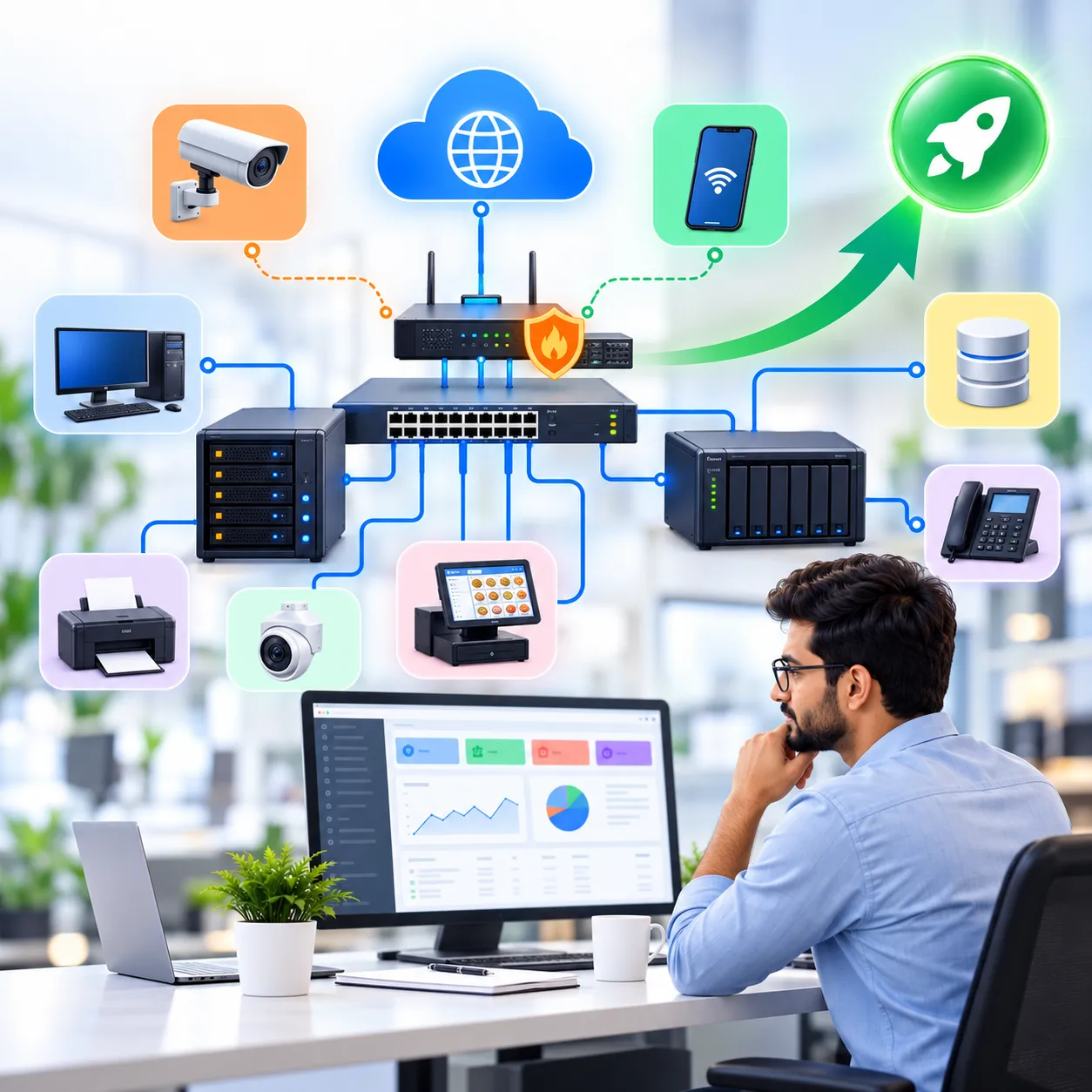
Choose between custom communication and a product-led route
Explore our WebRTC development services for custom real-time communication. For education-specific live classes, Vocal Meeting is a separate product to evaluate; its features should not be assumed to apply to every business conferencing implementation. Identity, calendars, learning systems and recording storage need their own compatibility and access review.
Participant capacity, uptime commitments and deployment times must be validated for the selected architecture. Recording and end-to-end encryption requirements need joint technical review; do not assume every feature can operate together in every deployment.
Why work with Unity Infoway?
Treat the session and the operating environment as one project. Discuss hosting solutions when evaluating infrastructure ownership, backups for stored data and the support arrangement for the selected platform.
Explore related solutions
School ERP software – Connect live teaching requirements with the wider school administration discussion.
Matrimonial portal software – For portal operators evaluating a separate, consent-based consultation or introduction workflow.

Frequently Asked Questions
Can participants join from a browser without installing an app?
Browser-based joining can be designed with WebRTC, but the supported browsers and devices must be tested. Camera, microphone and screen-sharing behaviour can vary. Provide a clear supported-environment list instead of claiming identical performance on every device.
How many participants and simultaneous rooms can it support?
There is no meaningful universal limit without an architecture and workload. Room size, concurrent rooms, video quality, recording and network conditions affect capacity. Define the target load and validate it before publishing participant or performance commitments.
Can sessions be recorded and end-to-end encrypted?
Both requirements need technical review together. Recording location, key handling and who can access media affect the design. Do not assume a recording-capable deployment automatically provides the same end-to-end encryption properties as a different meeting configuration.
Can the meeting experience be branded and embedded in our platform?
Branding, authentication and embedded session flows can be scoped around your application. Integration depth depends on the selected service or custom architecture, licensing and browser constraints. Agree how users enter, leave and return to the surrounding business workflow.
Is Vocal Meeting the same as this solution?
Vocal Meeting is an education-focused product presented separately. This solution page covers a broader business conferencing discussion, including custom development and integration. Product features, licensing and deployment terms should be confirmed directly for the chosen route.
Can the system be self-hosted?
Self-hosting can be assessed where supported by the chosen architecture and licences. The proposal should define server, network, scaling and monitoring responsibilities. Managed infrastructure may be another option; neither approach should be assumed to remove operating costs.
How are recordings and participant information protected?
Define access permissions, recording notices, retention and deletion rules before launch. Use appropriate controls for stored media and session records. Security requirements must be validated in the selected deployment rather than expressed as an unsupported blanket compliance claim.
What determines the cost of a video conferencing solution?
Cost depends on development scope, integrations, concurrency, media infrastructure, recording storage and support. Share expected room sizes and simultaneous sessions. Separate one-time implementation from recurring provider, bandwidth, hosting and maintenance costs in the proposal.
Address
412, 4th Floor, Radhe Infinity, Rakshashakti Circle, Kudasan, Gandhinagar – 382421.